


During the question time in our ongoing Finish Your First Song in Logic Pro live class, several of you asked what Mac you should get. That told me it deserved a full write-up, so here it is.
First, some good news: the live class playlist has been updated with the newest videos, including the question and answer sessions, so you can catch up on everything.
The next live class will be on Halloween, October 31st, at 11 am Pacific.
TL;DR
Any M series Mac will run Logic Pro well. Aim for at least 16GB of memory and a 512GB drive, and get the most performance cores you can afford. If you do not need a laptop, the Mac mini is the best value, and the MacBook Air is a great choice for smaller projects on the go. Heavy Logic users should look at the M5 Pro, with extra memory for big sample libraries and a bigger drive if you want them with you everywhere. I would avoid the MacBook Neo for serious music production because of its 8GB of memory, and the non-touchscreen MacBook Pro could be a better value for us than the new touchscreen model.
What do you need to get started with recording?
A computer. A desktop will give you better value for your money, but a laptop, as always, is portable.
That being said, a Mac mini or Mac Studio is small enough to travel with. There is just no battery, so using one on the go may not be convenient.
Any current Apple silicon Mac with an M series chip is enough to get started, from the Mac mini on the desktop side to the MacBook Air on the laptop side. Whether it is an M1, M2, M3, M4, M5 or the new M6, they will all run Logic Pro well.
The one current Mac I would steer you away from for music work is the MacBook Neo. It uses an iPhone-class chip, the A18 Pro, but do not let that fool you. In Geekbench tests it beats both the M1 and the M2 at single-core speed, and it roughly matches the M1 when all of its cores are working together, though the M2 pulls ahead there.
The concern is memory. The Neo comes with 8GB that cannot be upgraded, and macOS, VoiceOver, Logic and all of your plug-ins and sample libraries have to share it. That can be fine for smaller projects, but reviewers found its limits start to show with large sampled instruments, and serious music production tends to grow into exactly that kind of work. It is a great value for everyday computing, and will run Logic well enough if you aren’t working on large projects, but it is not where I would start if I wanted to really get into music production. Other limitations of the MacBook Neo are also discussed later when we talk about the USB-C/Thunderbolt ports that are on modern Macs.
When it comes to the computer, shoot for a minimum of 16GB of memory (RAM) and a 512GB drive. Watch out for the base M6 Mac mini here, or any other Mac whose cheapest model only comes with a 256GB drive. The next step up gives you 512GB.
Cores: the part that matters most for Logic
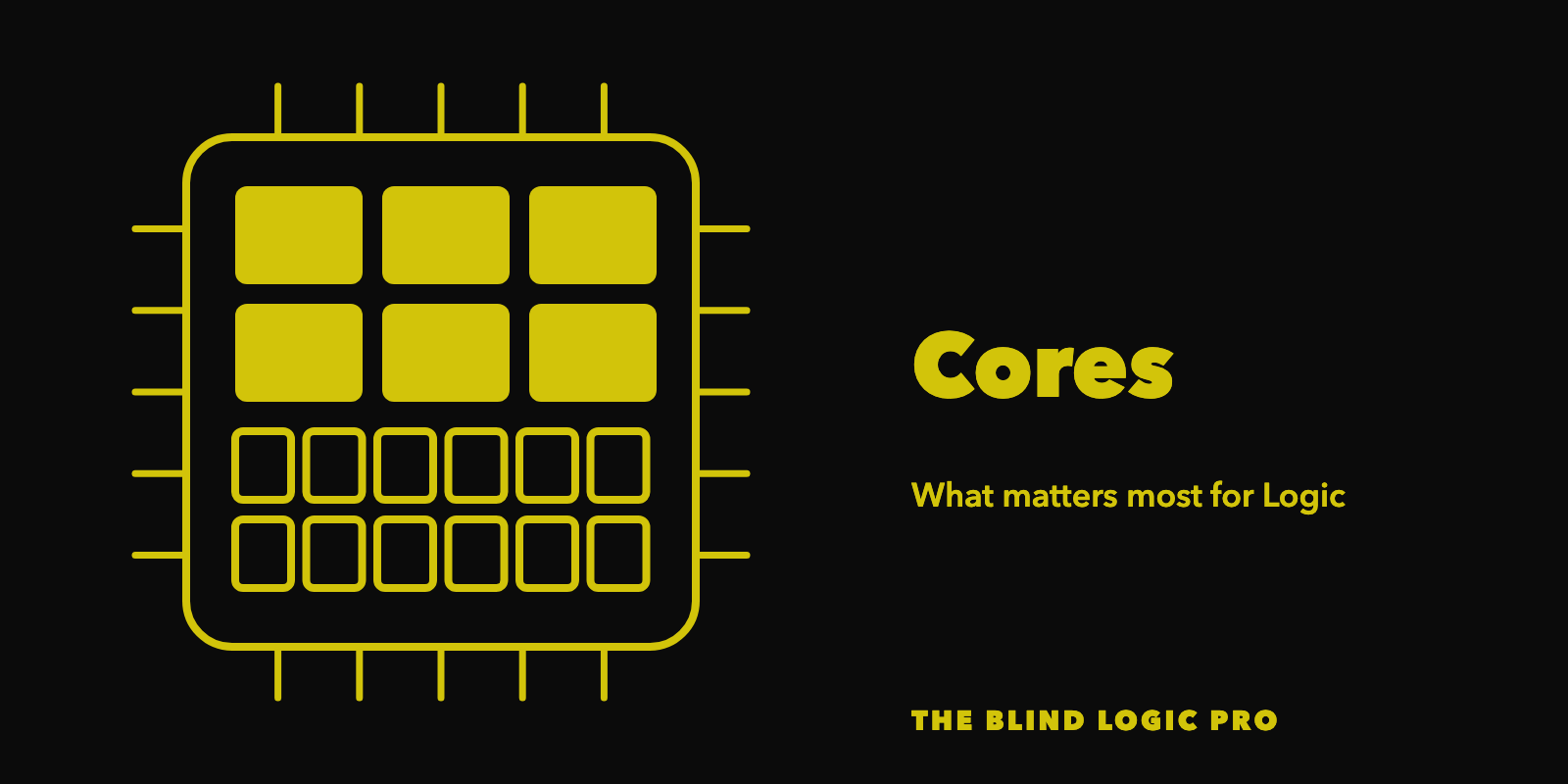
For years, Apple silicon chips had two kinds of cores. Performance cores did the heavy lifting, and efficiency cores handled light background work. Logic really only uses the performance cores for its heavy work, so my advice has always been to get the Apple silicon Mac with the most performance cores you can afford.
That advice still holds, but Apple has changed the names, so here is a quick decoder for the current chips.
Apple now calls its fastest cores super cores. These are the same kind of core that used to be called performance cores.
The M5, found in the MacBook Air, has 4 super cores and 6 efficiency cores.
The new M6, found in the base Mac mini and the new 14-inch MacBook Pro, has 2 super cores, 4 of a new kind of performance core, and 6 efficiency cores.
The M5 Pro comes in two versions. The 15-core version has 5 super cores and 10 performance cores. The 18-core version has 6 super cores and 12 performance cores. The M5 Pro and M5 Max have no efficiency cores at all.
Those new performance cores are a different design from the super cores. Apple built them for work spread across many cores at once. Apple has not said exactly how Logic uses them. Early reports from Logic users have been encouraging, but they do not all agree, so I will keep an eye on things and update when more info is available.
Either way, once you remember that Logic leans on the strong cores and not the efficiency cores, you can see why a heavy Logic user may want to step up to a Pro chip. That is not to say the M5 or M6 is going to be sluggish or underpowered. Quite far from it, actually. My original M1 had only 4 performance cores, and it still smoked my previous Intel Mac at handling large projects. Every generation since has made each of those cores faster.
The Pro vs Max chip question
If anything, I would say the Max chips are aimed more at video. There are plenty of reasons to consider a Pro chip as a music person, though, as I pointed out earlier in this article.
More memory vs extra CPU cores
If you are a really heavy user of sample libraries and like to use a lot of them across many tracks in your project without having to freeze tracks or bounce tracks in place, for example in orchestral compositions, you may want to consider more memory. The M5 Pro Mac mini goes up to 64GB.
If you are not a heavy virtual instrument user, but you use a lot of effects in big mixing projects with large track counts, then the step up to the 18-core M5 Pro may be worth considering.
In class, one of you asked whether that upgrade from the 15-core to the 18-core M5 Pro is worth the difference in price. Will it give you more processing power for Logic? Yes. Will most people notice a big difference? Probably not. Not unless they are running a lot of constant heavy workloads, that is. I did choose the bigger chip on my own Mac Studio, but I found it refurbished, already discounted, so it fit my budget. Decide based on your budget and how big your projects really get. Of course, if your budget allows, get the 18-core M5 Pro with as much memory as you can.
Same chip, different box
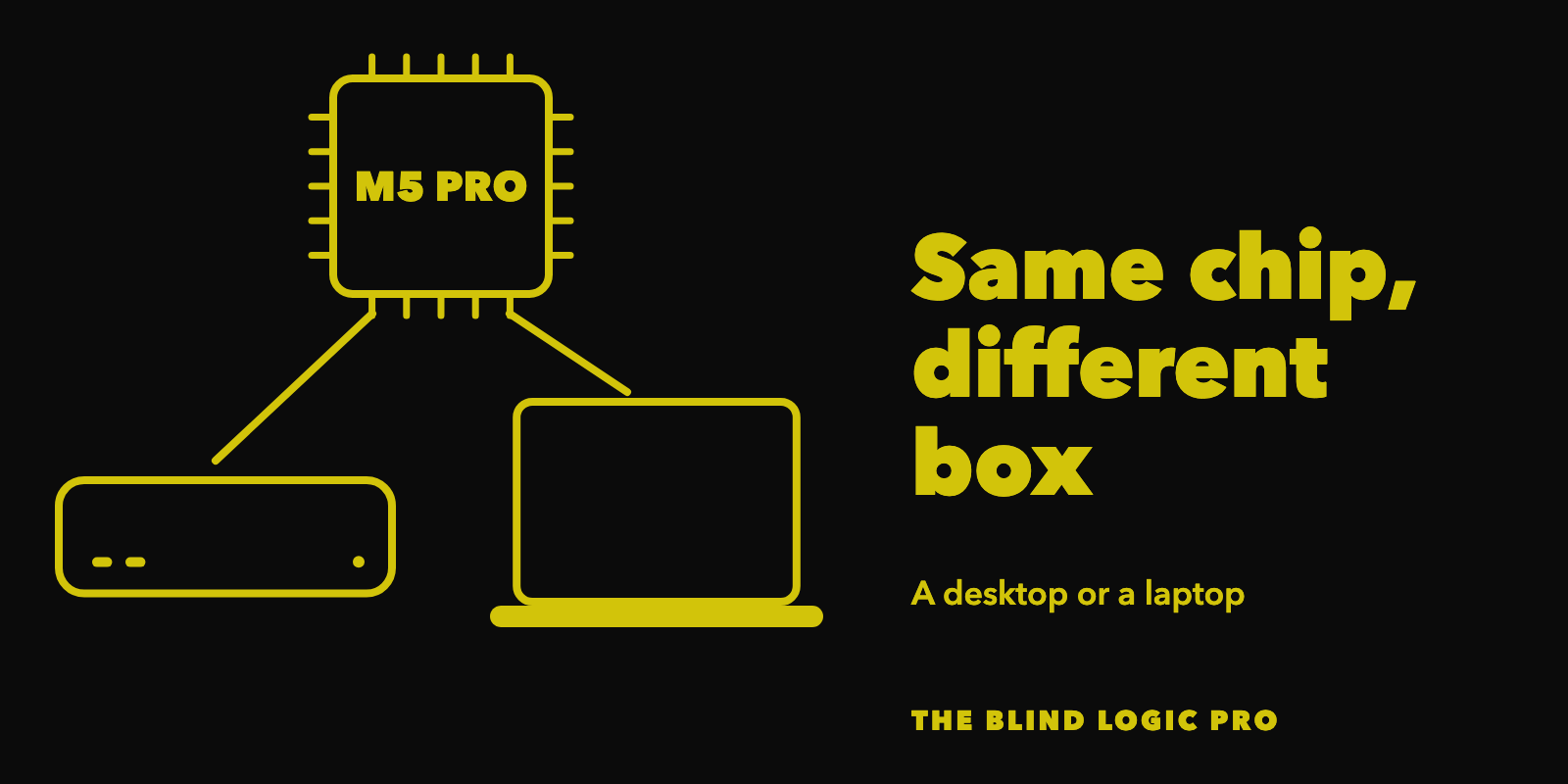
With the M series chips, it is the same system on a chip no matter which Mac it is in. Only the form factor changes. For example, the M5 Pro is available in both the Mac mini and the MacBook Pro. One is a desktop and the other is a laptop, but inside it is the same system on a chip.
A system on a chip combines the main processor, the graphics processor, the Neural Engine and other key parts into one package, instead of spreading them across separate chips. On Apple silicon, the memory sits in that package too, and every part shares it. That brings real advantages. Data does not have to be copied or travel as far between parts, so things move faster. It also uses less power and makes less heat, which is why these Macs can be so small and quiet and why the laptops get such long battery life.
If you are fine with not having a laptop, and you do not mind getting an external keyboard and mouse (providing you don’t already have them), you can save significant money with a Mac mini that has the same M5 Pro chip as a MacBook Pro. The Mac mini is pretty small and portable as well, but of course you lack the option to run it on battery like a laptop, at least not without a workaround.
The nice thing about the M5 Pro Mac mini is that it automatically starts you at 24GB of memory and a 512GB drive. If you are a heavy sample library user, that extra memory is a real benefit.
Do you need a monitor if you go with a Mac mini or Mac Studio?
As blind users, we can work without hooking up a monitor at all. Of course, if you need sighted assistance, that could be an issue. If you have an iPad signed in to the same Apple Account as your Mac, you can use the Mac’s Sidecar feature to use that iPad as your Mac’s screen. Sidecar only works with an iPad. It does not work with an iPhone, and it cannot turn another Mac into a screen. However, there is a way to use your Mac laptop as a screen for your headless or screenless Mac mini or Mac Studio. You can use the Screen Sharing feature built into macOS to use another Mac as a display, like a MacBook laptop. To show your screen on an iPhone, use a screen sharing app like Discord or Zoom, which I cover next.
If the person assisting you is not there in person, or even if they actually are, you can share your screen on apps like Discord and Zoom. Anyone you have given remote access to with apps like TeamViewer or Remote Incident Manager will still be able to see what would have been on your screen, even though you do not have one connected.
Is the Mac mini or Mac Studio built-in speaker good enough?
It works for hearing VoiceOver, and it is louder and better sounding than older models. It is not a speaker you will want to listen to music on, though. Plan on headphones or studio monitors for your Logic projects.
Does it matter which port I use?
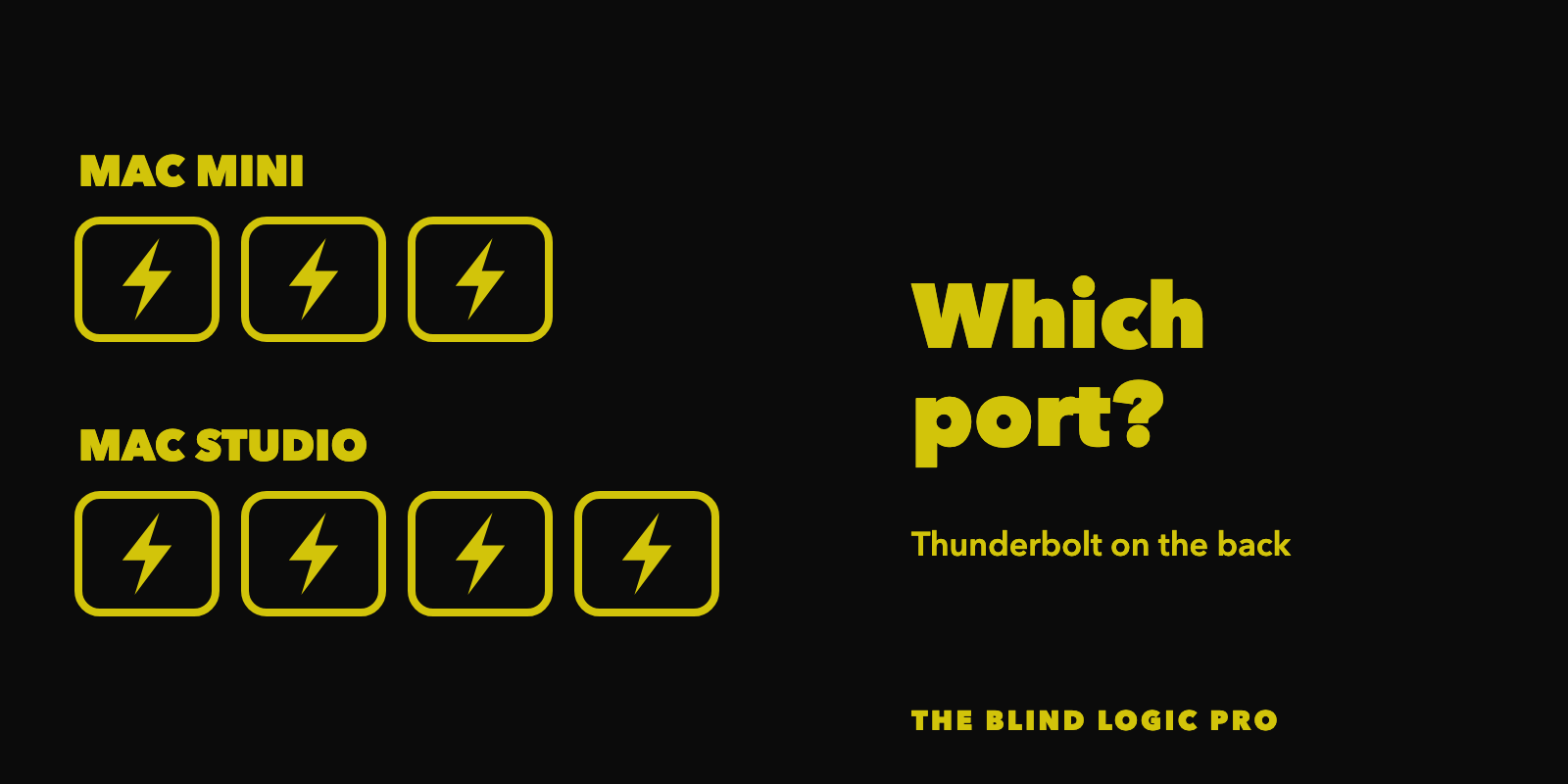
The Mac mini and the Mac Studio both have ports on the front and the back. On the back, the Mac mini has 3 Thunderbolt ports, and the Mac Studio has 4. Most audio interfaces and external drives are USB-C devices and will not use the extra Thunderbolt speed, so you can plug them into whichever port is most convenient. If you have a Thunderbolt hub, dock, drive, etc., give those devices priority for the Thunderbolt ports on the back. On the MacBook Air and MacBook Pro, all of the USB-C style ports are Thunderbolt ports.
The MacBook Neo is the exception, because it has no Thunderbolt at all. It has two USB-C ports, and they are not equal. One is USB 3 at up to 10Gb/s, and it is the only one that can connect to an external display. The other is USB 2 at up to 480Mb/s, which is much slower. Both can charge the laptop.
That brings a few limitations. Anything that needs Thunderbolt, like a Thunderbolt-only audio interface or a Thunderbolt dock, will not work. An external SSD belongs on the USB 3 port, since the USB 2 port would slow it down a lot. With only two ports, plugging in an audio interface and a drive leaves nothing free for charging, so you may end up needing a USB hub.
Why you may want a bigger internal drive

If you are a heavy user of third-party sample libraries, it is worth thinking about a larger internal drive, like 2TB. Keeping all of your libraries on the internal drive means you can travel with your laptop and work anywhere, without external drives hanging off the side of it. That convenience costs more up front, but for a lot of people it is worth paying for.
To give you an idea of how much room these libraries take, Native Instruments lists Komplete 26 Standard at about 320GB for a full install of everything, and Komplete 26 Ultimate at about 960GB, which is close to a full terabyte on its own. If you own something like Komplete Ultimate plus other assorted libraries and want to keep it all installed locally, while still having room for macOS, Logic’s own sounds and your Logic projects, a 2TB drive is worth considering.
If the decision is made to get a smaller internal drive, will you need a Thunderbolt external drive?
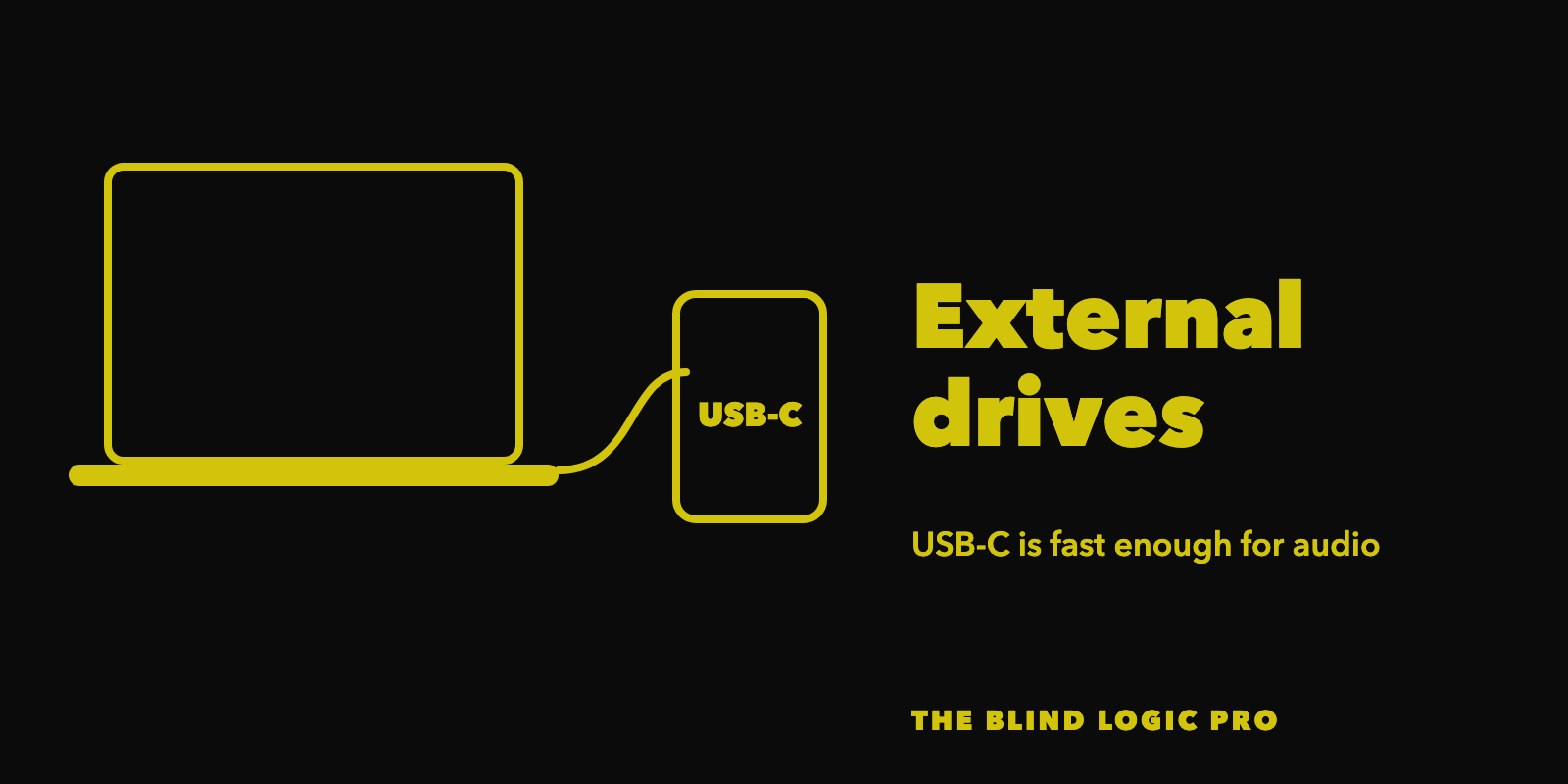
For audio, probably not. Yes, Thunderbolt drives can run about as fast as the internal drive, but you pay a premium for that. A good USB-C drive is fast enough that it will not slow down your audio work. If you mostly use it to store projects you are not working on right now, then you really don’t need to worry about external drive speed so much, and a regular external hard drive may be a better value than an SSD external drive in those cases.
MacBook Air or MacBook Pro?
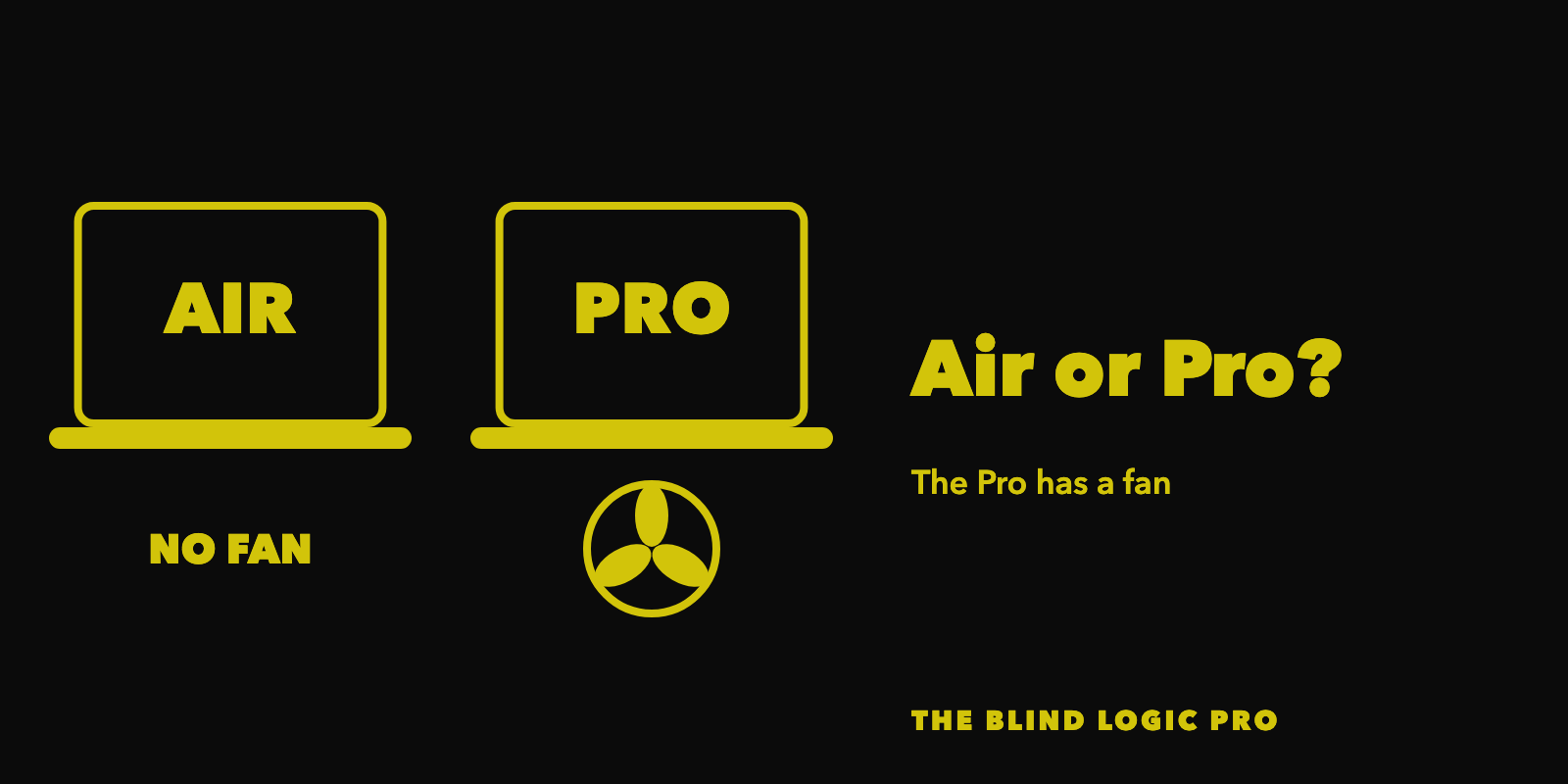
Another question in class was whether a MacBook Air with the M5, 32GB of memory and a 2TB drive would last for years. If you want a laptop you can work on anywhere, that is an excellent choice. Note that the MacBook Air only comes with the regular M5 chip, not the M5 Pro.
The one advantage the Pros will always have over the Airs is a fan. If a MacBook Pro starts to run hot, the fan kicks in so the chip can keep running at full speed. The Air has no fan, which is part of how Apple makes it so thin, so if it gets too hot it slows the chip down to cool off. That being said, since the M1 came out, people have had to work very hard to make these machines run hot. If you are doing audio and not video, you will probably never see it. If you are someone who only does smaller projects of around 10 tracks, uses mostly software instruments and sample libraries, and wants to keep it all installed internally, that Air will serve you well for many years to come.
What about the new touchscreen MacBook Pro?
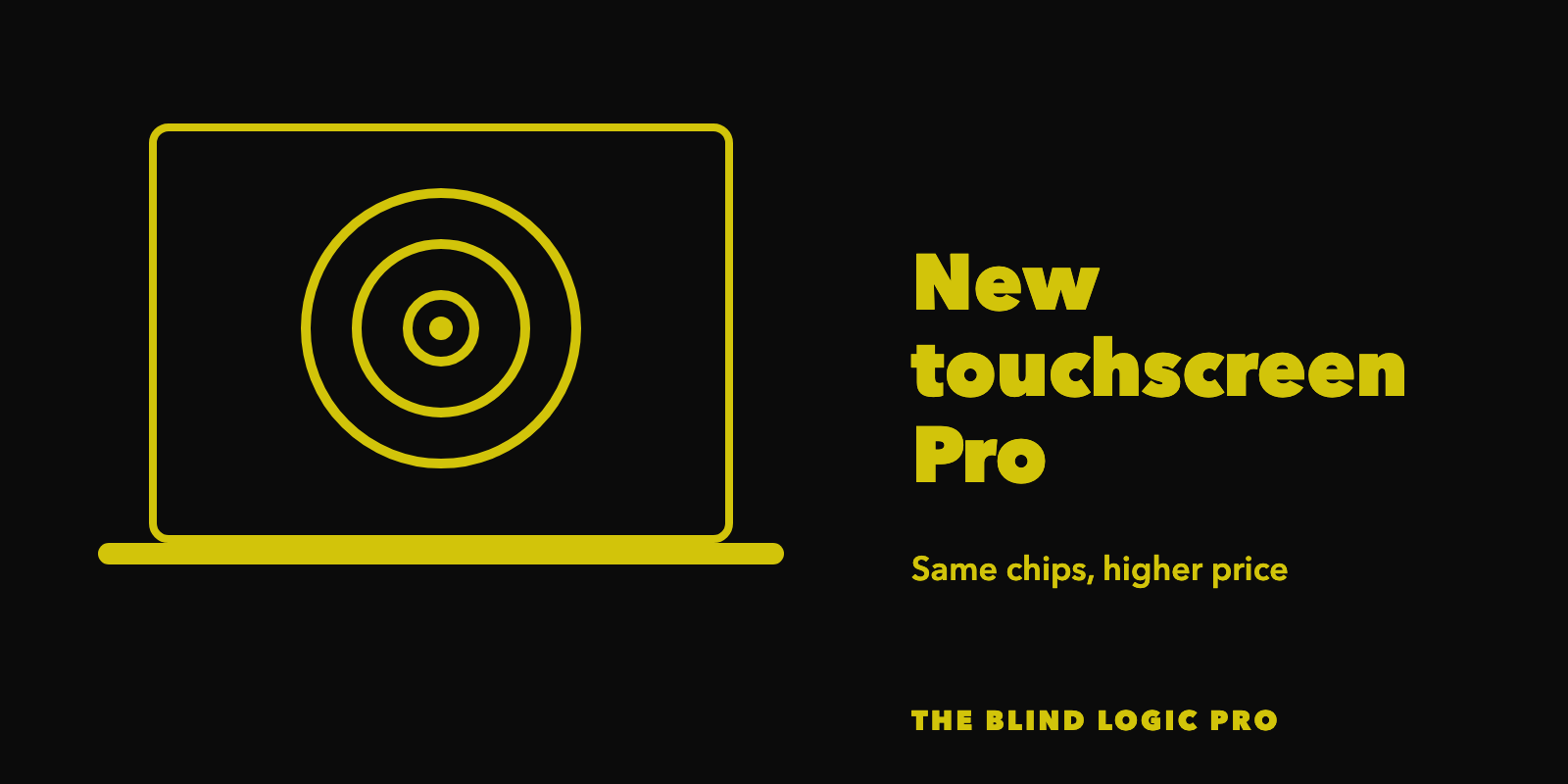
Apple also just announced a new touchscreen MacBook Pro. Pre-orders are open now, and it starts arriving to customers on Friday, November 6. I am sure it will work with VoiceOver, because Apple has not released a hardware product that did not work with VoiceOver out of the gate in a long time. But if you navigate with the keyboard and VoiceOver commands, I am not sure how much a touchscreen will add for us. People who use Trackpad Commander a lot may enjoy it.
The new model is not only a touchscreen added to the old laptop. It also has a new OLED screen, a slimmer and lighter body, and speakers with deeper bass. What it does not have is a faster chip. It uses the same M5 Pro and M5 Max chips as the non-touchscreen MacBook Pro, which is still on sale, so you should expect very similar performance in Logic. Apple did redesign the cooling, but we are still waiting on independent testing to see if that makes any real difference.
That means most of the extra money goes toward the screen. The 14-inch MacBook Pro with the M5 Pro starts at $2,899 with the touchscreen and $2,499 without it, a $400 difference at list price. For a blind or visually impaired user who would not get much out of touch or the new screen, the non-touchscreen MacBook Pro could remain the better value. You could put that $400 toward more memory or a bigger drive.
Where to shop to get a deal on a Mac?

On saving money: Apple itself rarely has the best sales. Stores like Best Buy and Amazon usually have better deals around Black Friday, but they tend to stock only the standard configurations. Stores like B&H Photo and Micro Center also tend to have their own deals and may carry configurations other than the standard ones. However, some of those deals may be limited to in-store only, especially with Micro Center. If you want something custom, like 64GB of memory or a 2TB drive, you may need to order from Apple. Apple’s refurbished store is also worth a look, and while you can find more than the standard configurations in the refurbished store, you can only buy what they have in stock. There is no option to customize with more RAM or a different size drive when shopping the refurbished store.
A few more tips from the live class questions
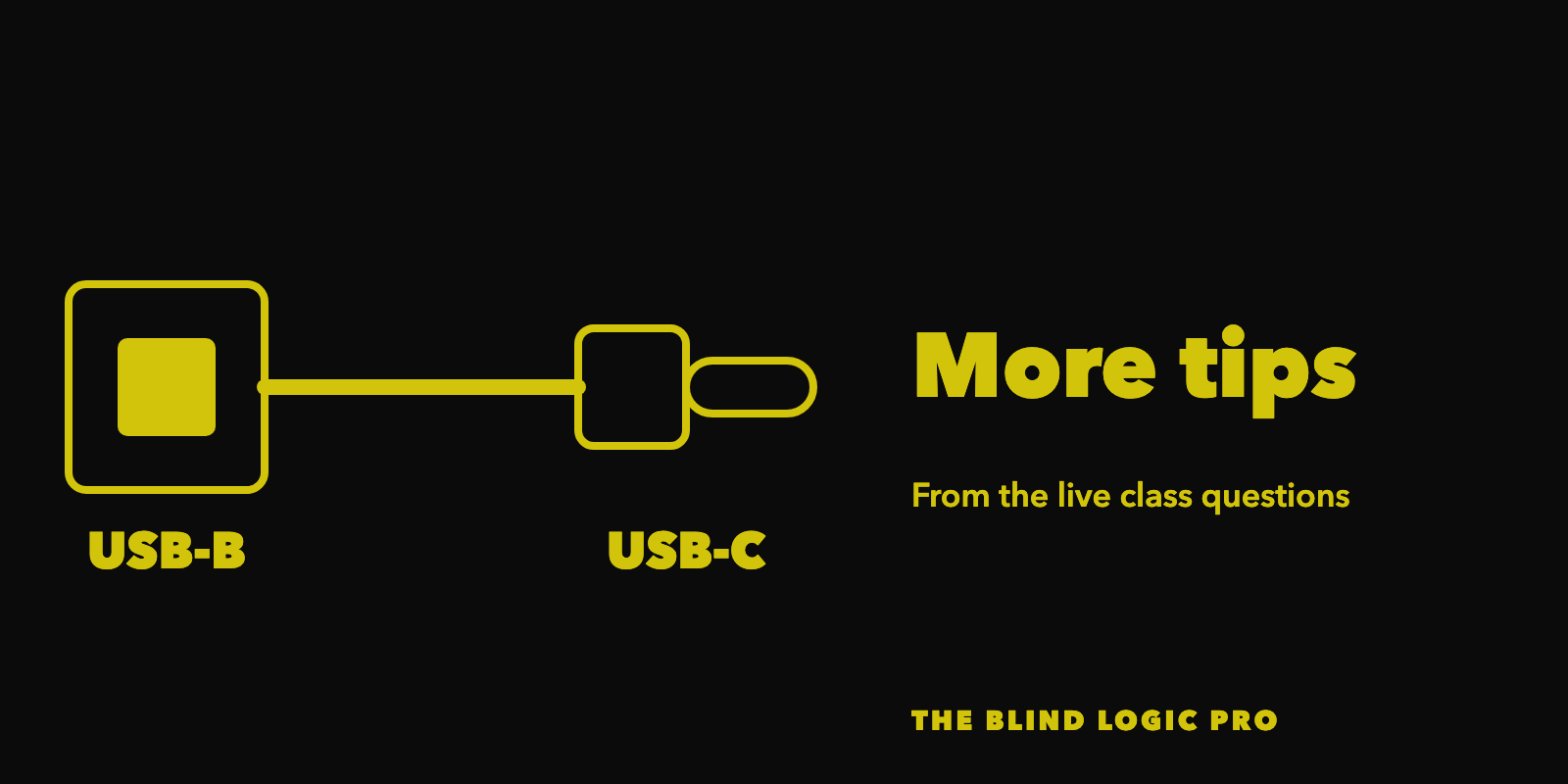
Which cable connects an older audio interface? Many older interfaces, like earlier Focusrite Scarlett models, have a square USB-B port on the back. To connect one straight to a newer Mac, look for a USB-B to USB-C cable.
Should my audio interface skip the USB hub? In theory, yes. A USB hub shares its bandwidth between everything plugged into it, while a Thunderbolt hub treats each device more like its own port. Connecting your interface directly to the Mac is the most stable choice. I have had to use a hub in a pinch and still got the work done, so do not panic if you have to.
Got questions?

To sum it all up, there is no wrong M series Mac for getting started in Logic Pro. The right one comes down to how big your projects get, whether you need to work on the go, and your budget. Put your money toward more cores if you run a lot of effects, more memory if you lean on sample libraries, and a bigger drive if you want everything with you. If you have any follow-up questions about which Mac is right for you, leave them in the comments. If you are reading this in your email, just hit reply and let me know.